Record a Form-Check Video That Is Actually Useful
A useful form video shows the whole task, the relevant angle, and the real working set—without turning one frame into a diagnosis.
By Moow Editorial ·
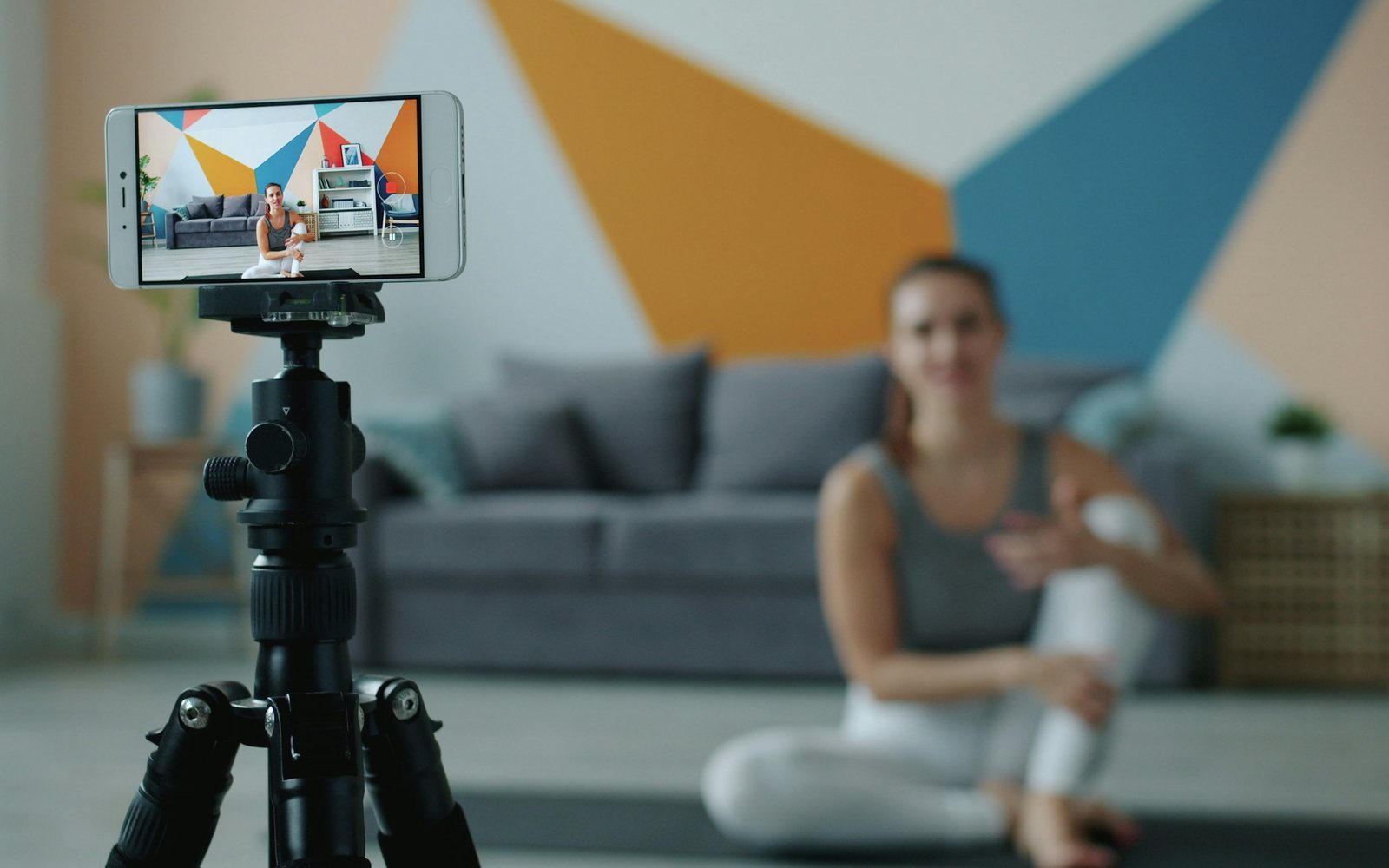
- Frame the entire body, implement, and relevant contact points in steady light.
- Record a representative working set from one clear angle at a time.
- Use video to answer a specific movement question, not to diagnose pain.
Define the question before pressing record
A form check is most useful when it answers one question: Does the bar stay close during the hinge? Do both feet remain planted in the squat? Does the torso position change as the set becomes difficult? A vague request to judge everything invites scattered feedback and false certainty from a limited view.
Write the exercise, intended variation, load, repetition target, and what you felt. Include relevant context such as a new shoe, unfamiliar equipment, or fatigue. Do not use video to ask a coach to diagnose an injury. Pain, numbness, sudden weakness, or loss of function needs an appropriately licensed professional.
Build a stable, complete frame
Place the phone on a tripod or secure surface rather than asking it to balance on a bottle. Use enough distance to include the head, feet, implement, and floor contact throughout the movement. Bright, even light and an uncluttered background make joint and equipment positions easier to see.
Choose the angle for the question. A direct side view can show depth, torso, and implement path; a front or rear view can show stance and side-to-side differences. A diagonal view offers context but can distort alignment. Record separate angles rather than walking around during the set.
Capture representative work
Record the warm-up if the question appears there, then capture one ordinary working set. Include a few seconds before the first repetition and after the last so setup and finish are visible. Avoid slow motion as the only file; normal speed shows rhythm, while slow replay can help examine a specific moment afterward.
Do not choose only the cleanest repetition or manufacture a maximal set for the camera. A coach needs to see the demand you normally train. State the set’s perceived effort and whether the video changed your behavior. One clip is a sample, so repeat across sessions before declaring a stable movement pattern.
Review one cue and protect the file
First watch the full set without pausing. Then compare the first and final repetitions for the specific question. Select one cue or programming change, test it at a manageable load, and record again. Ten simultaneous corrections often make learning worse; an effective review produces one observable next action.
Videos can reveal faces, locations, bystanders, screens, and health information. Ask permission before recording anyone else, frame out identifying details, and understand where a coaching platform stores or shares uploads. Delete unnecessary copies according to your preference. Useful feedback does not require surrendering privacy by default.
Sources
A video cannot rule out injury or establish a diagnosis. Stop the exercise and seek qualified assessment for sharp or worsening pain, numbness, sudden weakness, loss of balance, swelling, or reduced function. Never place a camera where it creates a trip or equipment hazard.