End Evening Scrolling With a Stopping Cue
Choose where the phone goes and what comes next. A visible stopping cue makes it easier to leave an open-ended feed while keeping essential calls and alarms available.
By Moow Editorial ·
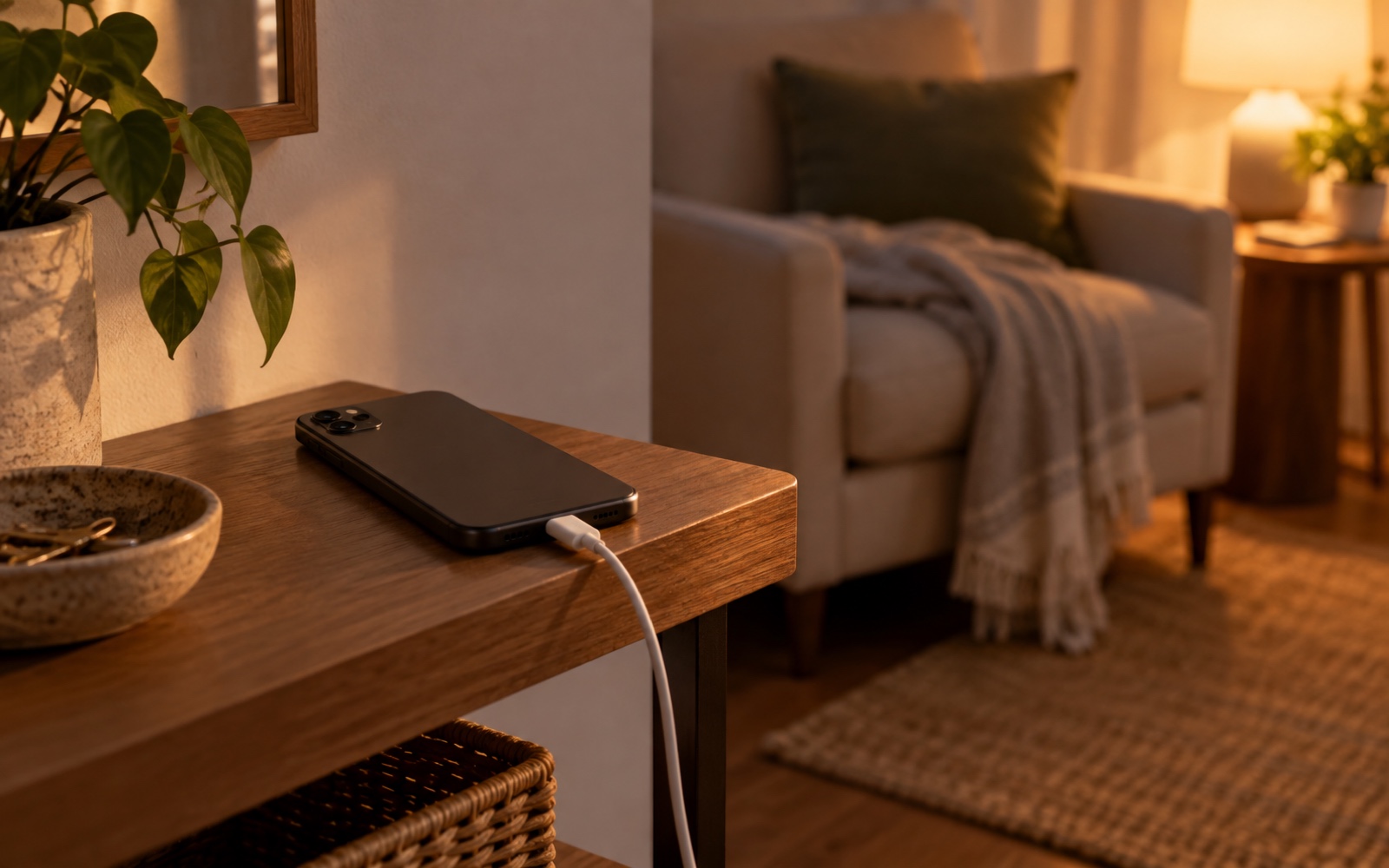
- Choose a clear stopping cue and a place to park the phone before opening the feed.
- Prepare one quiet activity so stopping has an easy next step.
- Preserve essential calls, alarms, caregiving access, and any required health alerts.
Try tonight: decide how scrolling ends
A feed rarely supplies a natural ending. Decide yours before you open it. Use an ordinary evening cue, such as finishing the dishes or starting nighttime hygiene, as the point when browsing ends. Pair that cue with a parking spot and one quiet activity that is already ready.
CDC recommends turning off electronic devices at least 30 minutes before bedtime. Use that guidance to plan space for a quieter evening, while accounting for responsibilities that require you to remain reachable.
- Choose a clear cue that means the feed is finished.
- Turn off autoplay where available and close the browsing app.
- Park the phone face down in a safe, reachable charging spot.
- Start one prepared quiet activity, such as reading a few pages.
Make the ending visible
Pick a shelf or table away from your usual scrolling seat. It can stay in the same room if that is what your home allows. A charger there gives the phone a destination. Place it on a stable surface with ventilation, keeping it out from under bedding and clear of walkways.
If reminders help, set one before browsing starts. Treat it as the cue to close the app rather than begin searching for a final video. A warmer screen color does not create an ending for an endless feed; you still need a decision about when to stop.
Keep essential access working
Before silencing notifications or moving the phone, check what you need overnight. Keep access to emergency calls, a child or dependent, on-call work, and any required health alerts. If you use a focus or quiet mode, review its exceptions and test that important contacts can reach you. Settings differ across devices.
Confirm that your alarm remains enabled and audible from the parking spot. Keep a connected health device or monitoring app available as instructed by your care team. When you must check an essential message, handle that task and park the phone again. Staying reachable does not require leaving the feed open.
The boundary should reduce optional browsing while keeping the access you depend on.
Make the next activity easy to start
Put a familiar book, a simple craft, or another low-effort activity near your evening seat. NHLBI recommends quiet time before bed; choose something you can stop without a cliffhanger or a new assignment. If you listen on the phone, select the audio beforehand, stop browsing, and leave the screen off.
After a few evenings, assess the practical boundary: did the cue help you end browsing when intended? If not, change the cue or parking spot. You do not need a perfect streak or a promise of faster sleep. Regular difficulty sleeping or daytime sleepiness deserves a conversation with a healthcare professional, even when you follow good habits.
Sources
Preserve essential calls, alarms, caregiving access, and required health alerts when adjusting device settings or moving the phone. Follow your care team's instructions for connected health devices, and seek advice for regular sleep problems or excessive daytime sleepiness.